Instant Base Conversion
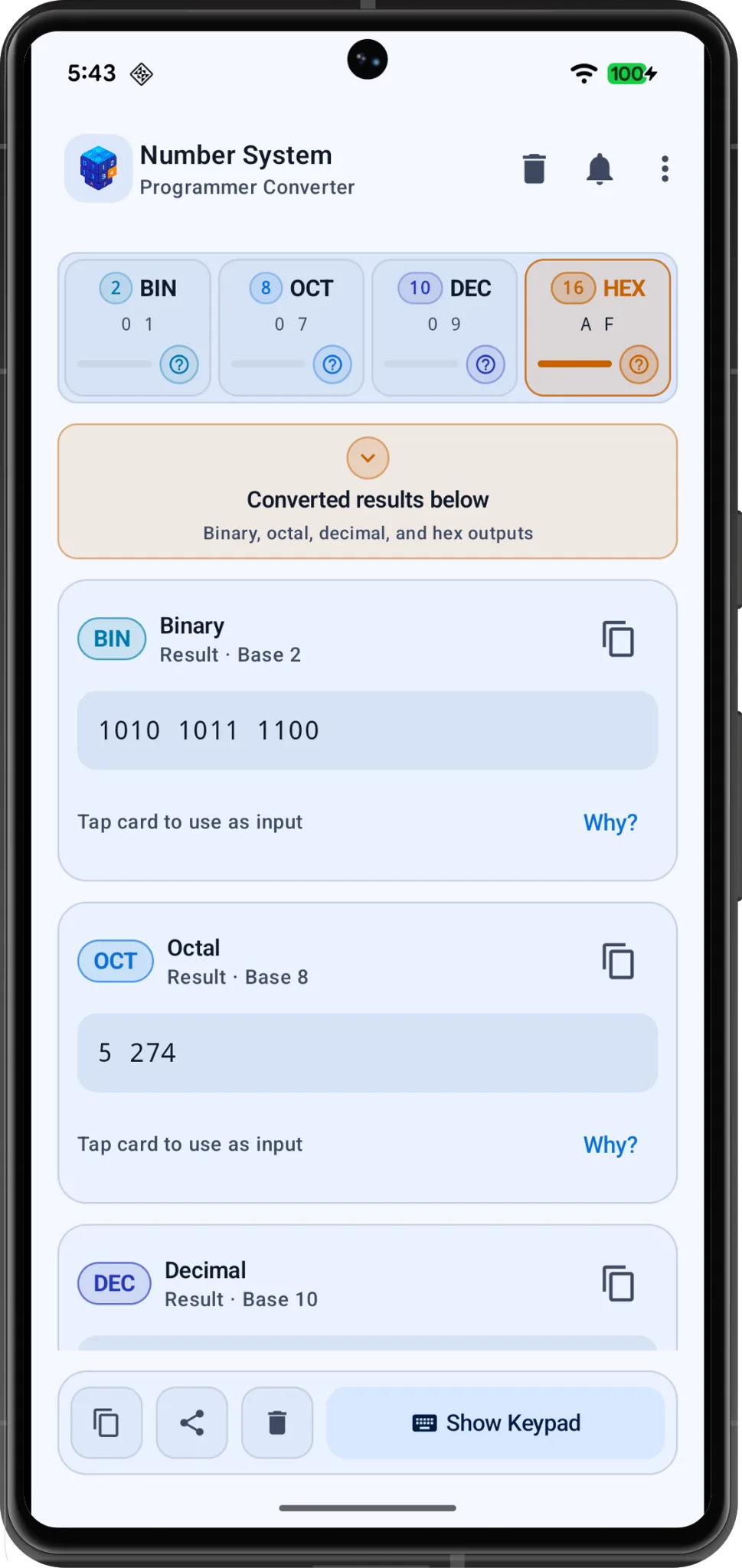
Convert one input into Binary, Octal, Decimal and Hexadecimal outputs with a clear result layout.
Number System helps students, programmers and learners convert values between Binary, Octal, Decimal and Hexadecimal, then understand the result through examples, theory cards and real software usages.
Package name: com.appsbean.numbersystem
Why install Number System?
The app is intentionally focused: open it, choose your base, enter a value, copy the result, and read the explanation when you want to learn the concept behind the conversion.
Convert one input into Binary, Octal, Decimal and Hexadecimal outputs with a clear result layout.
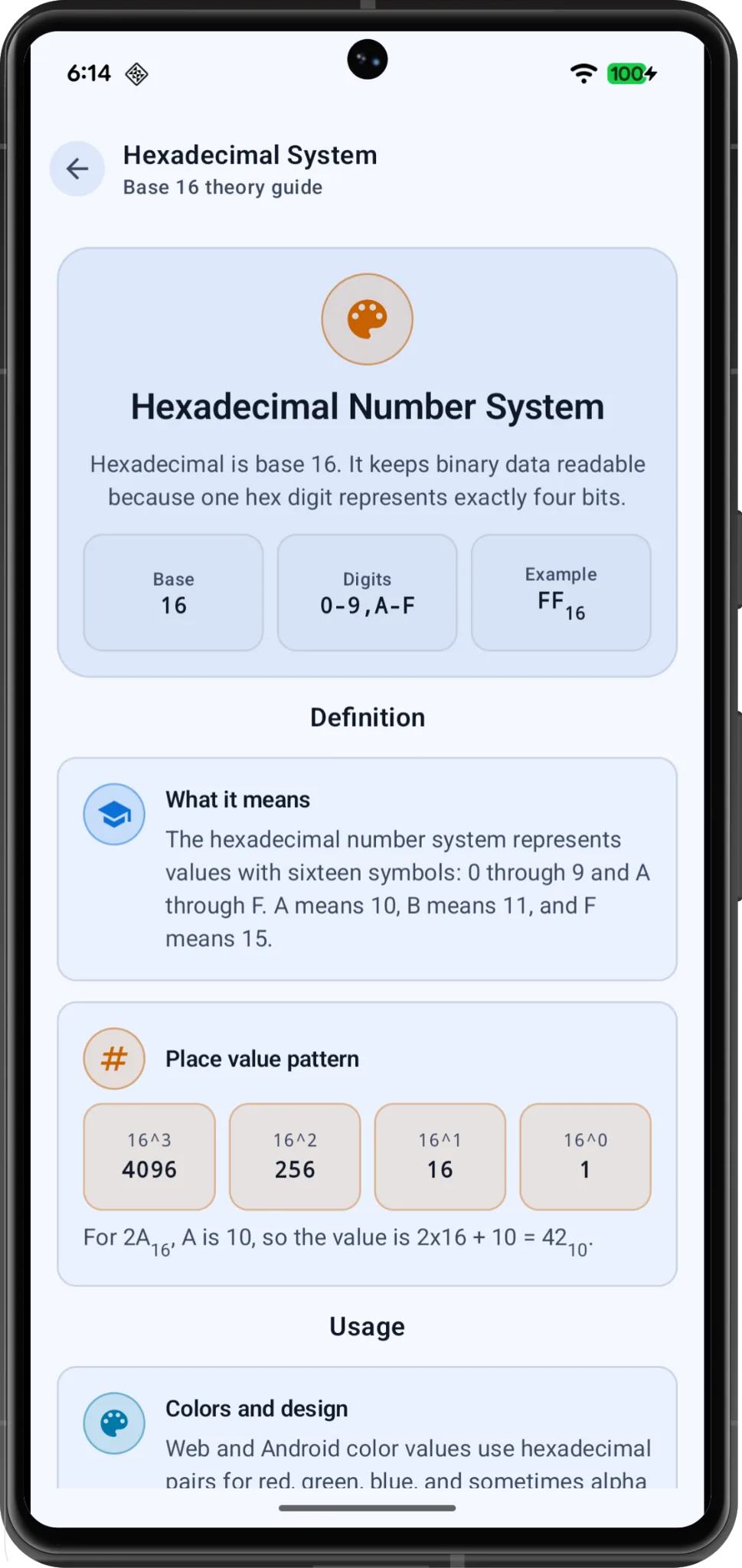
Read compact guides for base 2, base 8, base 10 and base 16 with easy definitions and examples.
Copy converted values quickly for code, lab reports, class work, debugging or study notes.
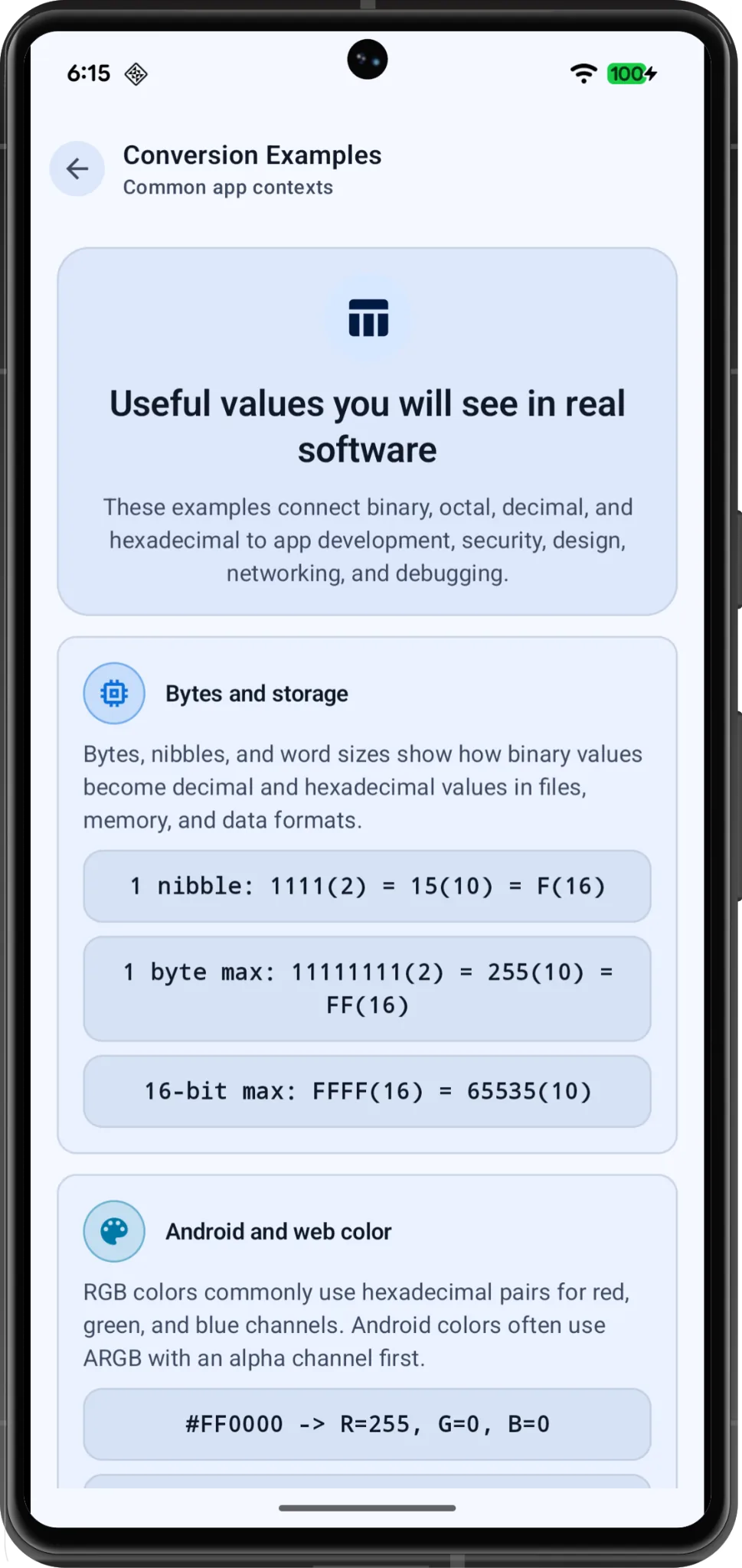
Useful for computer science, digital electronics, programming, networking and color-value work.
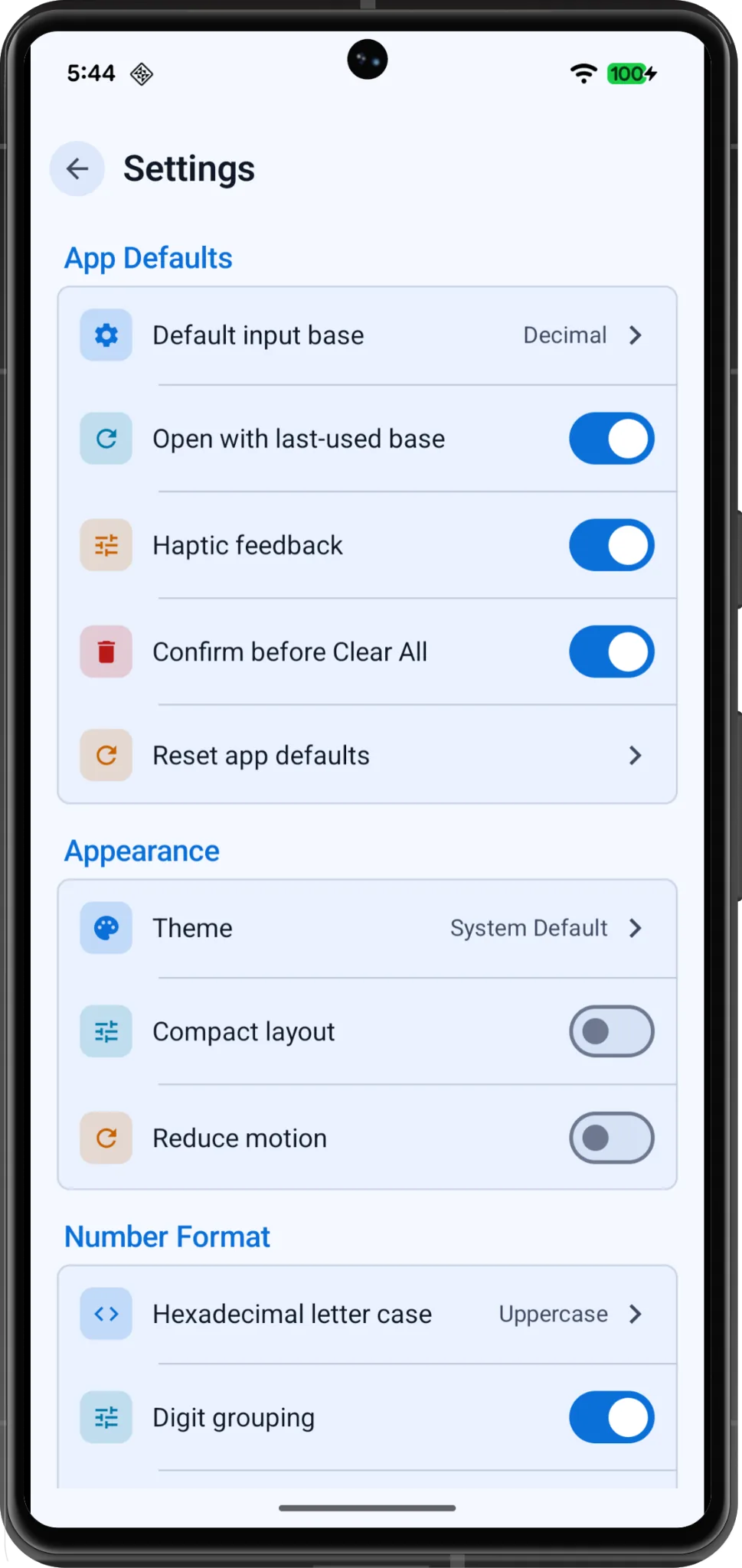
Set defaults for input base, hex letter case, digit grouping and other simple app preferences.
The website privacy policy explains the app approach in a Google Play friendly format.
Install and start converting
Use it for homework, software examples, byte values, hexadecimal colors, binary groups and everyday learning. The app keeps the interface calm with rounded 8px screenshots, soft blue surfaces and readable result cards.
Open Google Play Listing
Screenshots
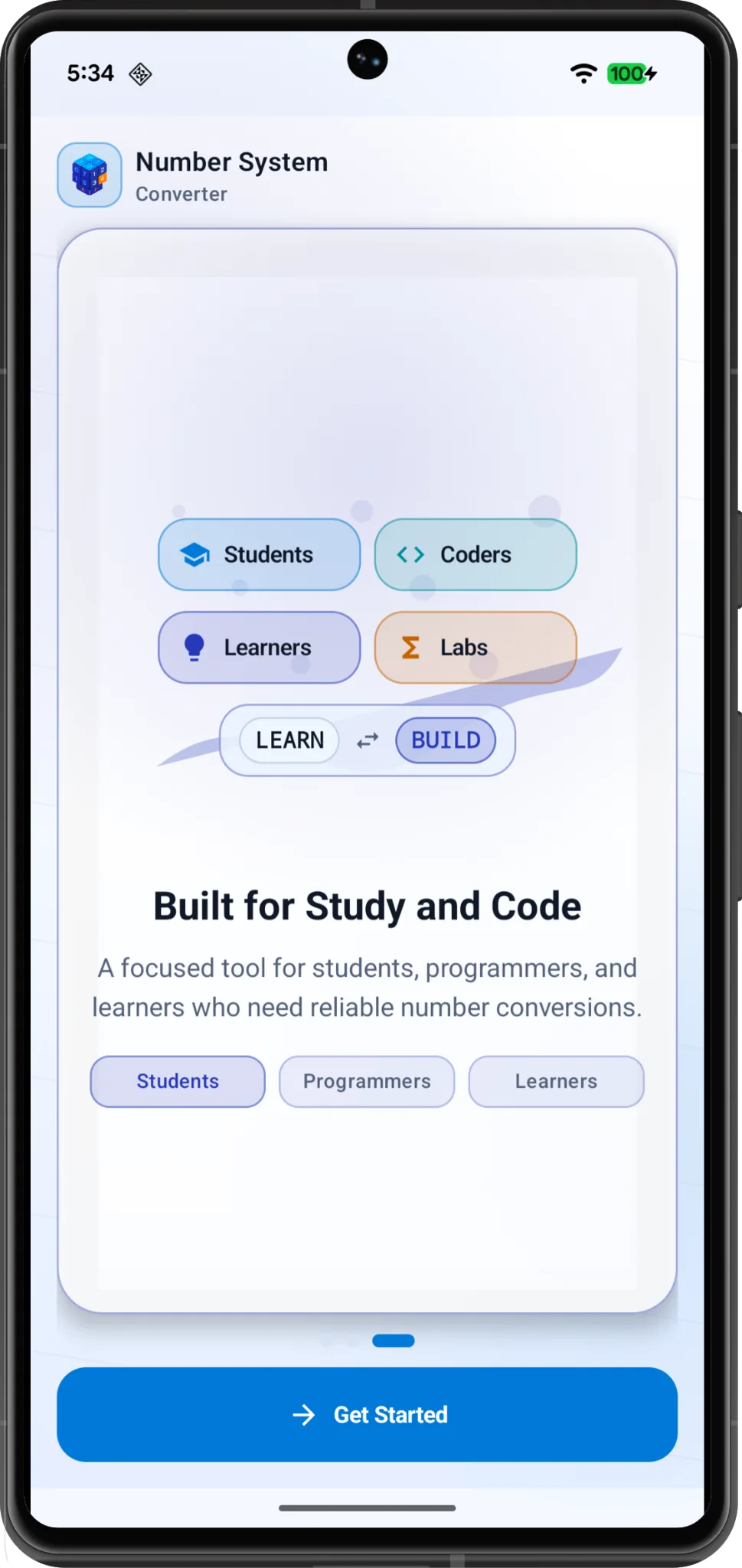
All screenshots are presented with 8px radius corners to match the app’s UI style.
Collapsible app guide
Binary uses only 0 and 1. It is the language of bits, storage and digital logic. Number System helps you convert binary into human-friendly decimal or compact hexadecimal formats.
Octal uses digits 0 to 7. It groups binary data into three-bit sets, which is useful in some computing and permission contexts.
Decimal is the everyday number system. It is the easiest reference point when checking values from binary, octal or hexadecimal.
Hexadecimal uses 0–9 and A–F. It is common in RGB/ARGB colors, memory addresses, byte values and debugging output.
Install the Android app from Google Play and start using Binary, Octal, Decimal and Hexadecimal conversion tools today.
Install from Google Play